Marketplace Hammer

The build-mode tool for placing and editing NPCs — the main way you create content for the NPC system. Available only to players with admin access (see OverrideDebug in Server config).
Basic workflow
-
With admin access, open the build menu and select the Marketplace Hammer. It also lists any Saved NPC templates you have made, as extra placeable pieces.
-
Place a new NPC, or click an existing one, to open its settings panel: the Main tab (type, name, profile, model, dialogue, pin icon — see Core identity settings) and the Fashion tab (appearance — see Appearance settings). Every field on both tabs is covered in detail on the NPC system page — come back here once you know what you want to set.
Main tab Fashion tab 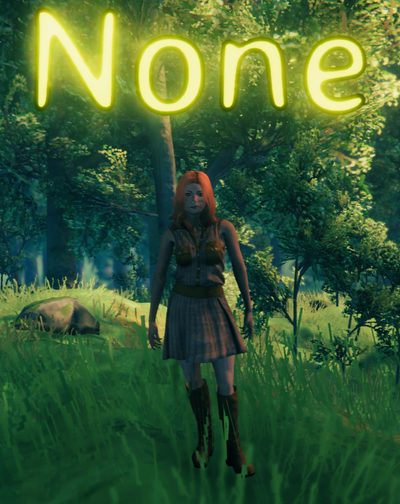
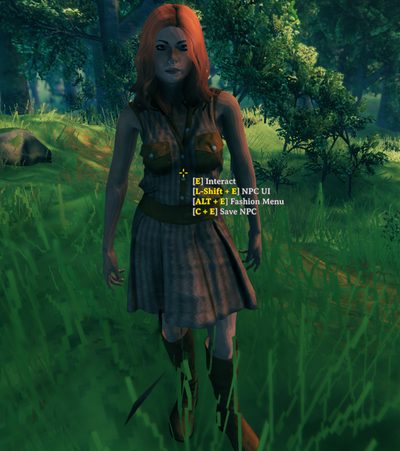
-
To record a patrol route, drop waypoints while holding the Hammer, then confirm — the route data is copied for you, ready to paste into a
SetNPCPatrolcommand. -
To reuse this exact NPC elsewhere, use the Hammer's save option — this writes a template file and shows a confirmation message reminding you to run
mreloadnpcs(see Saved NPCs).
Handy commands while building
| Command | Use |
|---|---|
mreloadnpcs |
Refresh the saved-templates list after adding or editing one — required, since it does not update on its own. |
mnpcremove |
Quickly clear every mod NPC within 5 meters, useful while iterating on a build. |
Related
- NPC system — the full settings reference for what you are editing.
- Saved NPCs — the template format this tool produces.
- Console commands.